
Sit & Go Tournament Creation
How to create Sit & Go tournament? What are the options for creating a tournament?
Go to lobby and click Sit & Go tab. Then press the create Sit & Go button.
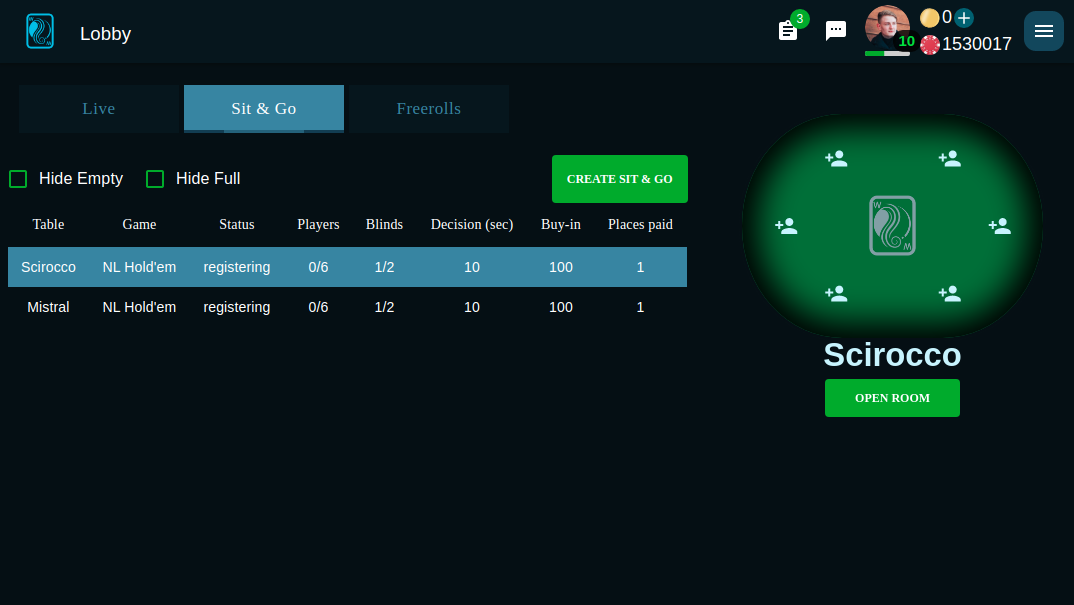
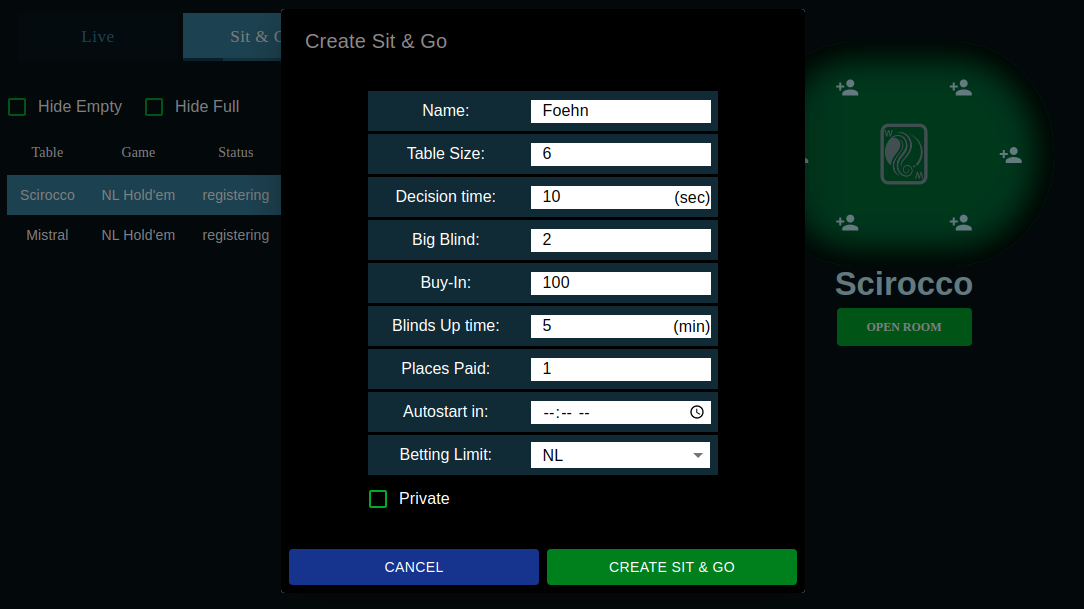
What we see here is a list of parameters:
- Name: name for your Sit & Go room
- Table Size: number of players, will be able to join the room
- Decision time
- Big Blind
- Buy-In: how much chips one place cost and it'll be the starting chips
- Blinds Up time: duration which blinds will be constantly increasing
- Places Paid: how many players will get a prize from the pool
- Autostart in: time when the tournament will starts no matter how many players has joined the room
- Betting Limit
Also you can click private check button which means your room will not be in the public list and only be available by the link.
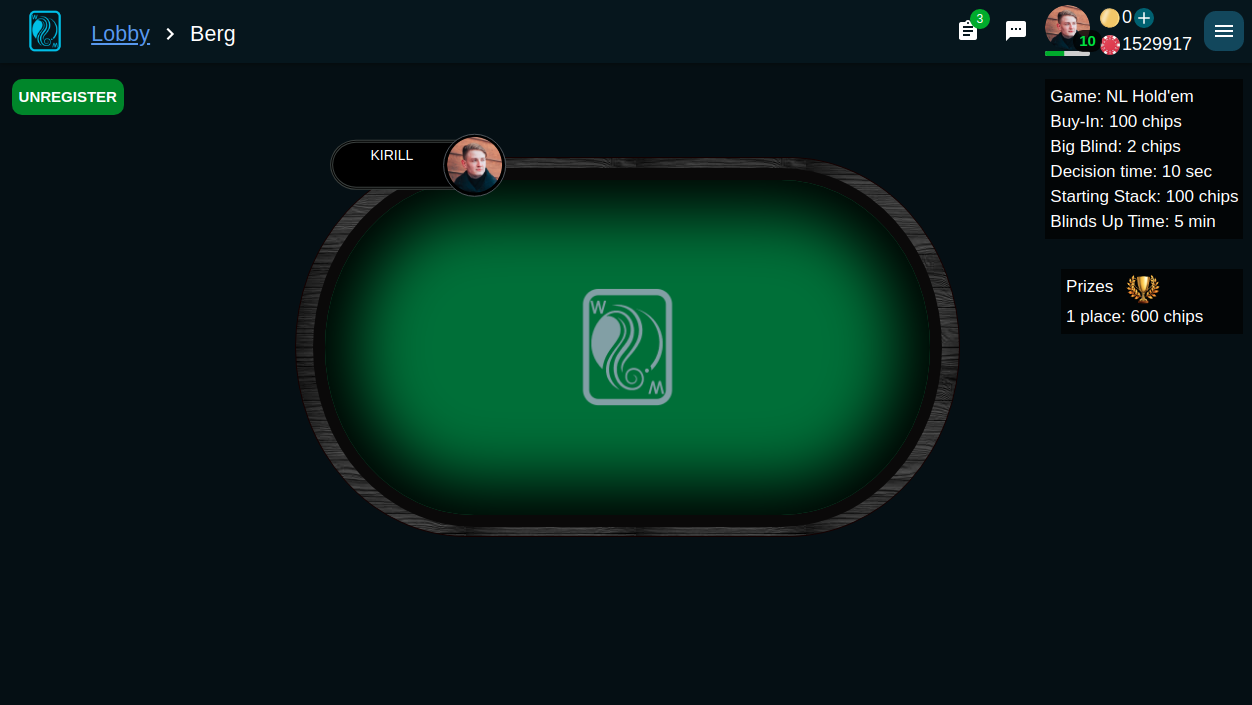
Sit & Go has only one table. In the room you can choose a place at which you will be sitting.
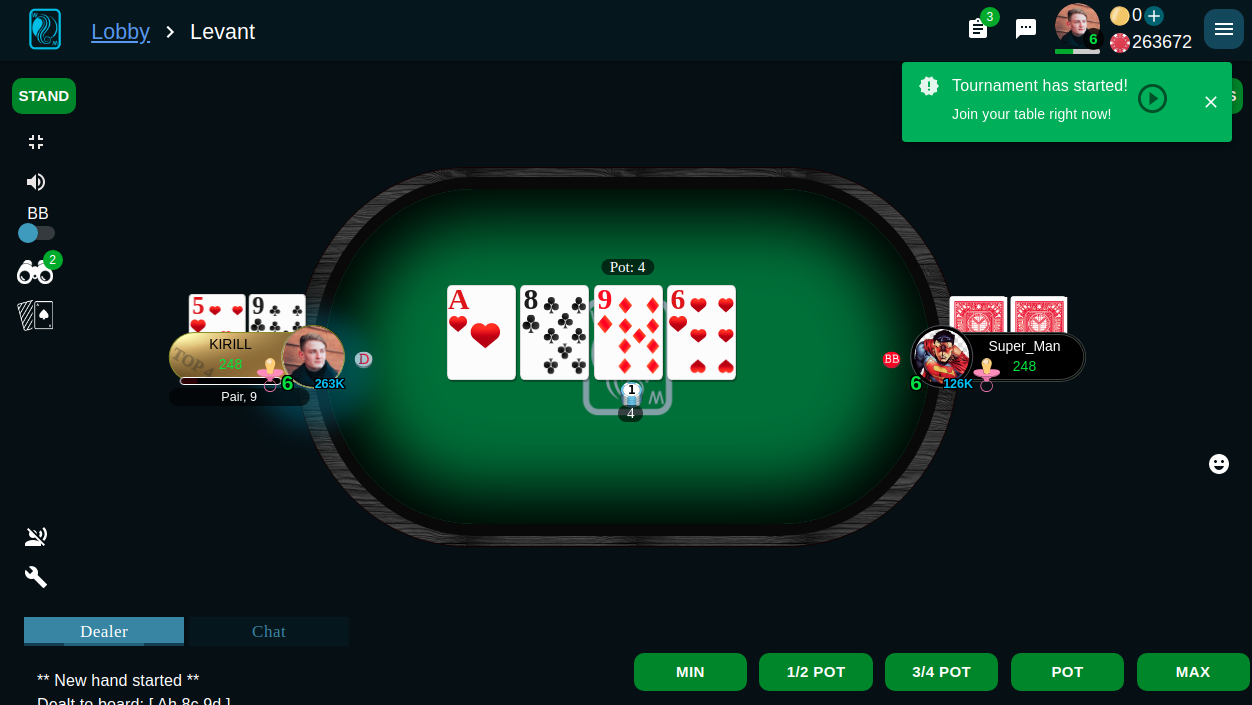
And while you're waiting for others to join you can go to live table and play poker because when the Sit & Go started you will get a notification to join the table.
You can also watch a video on this topic: